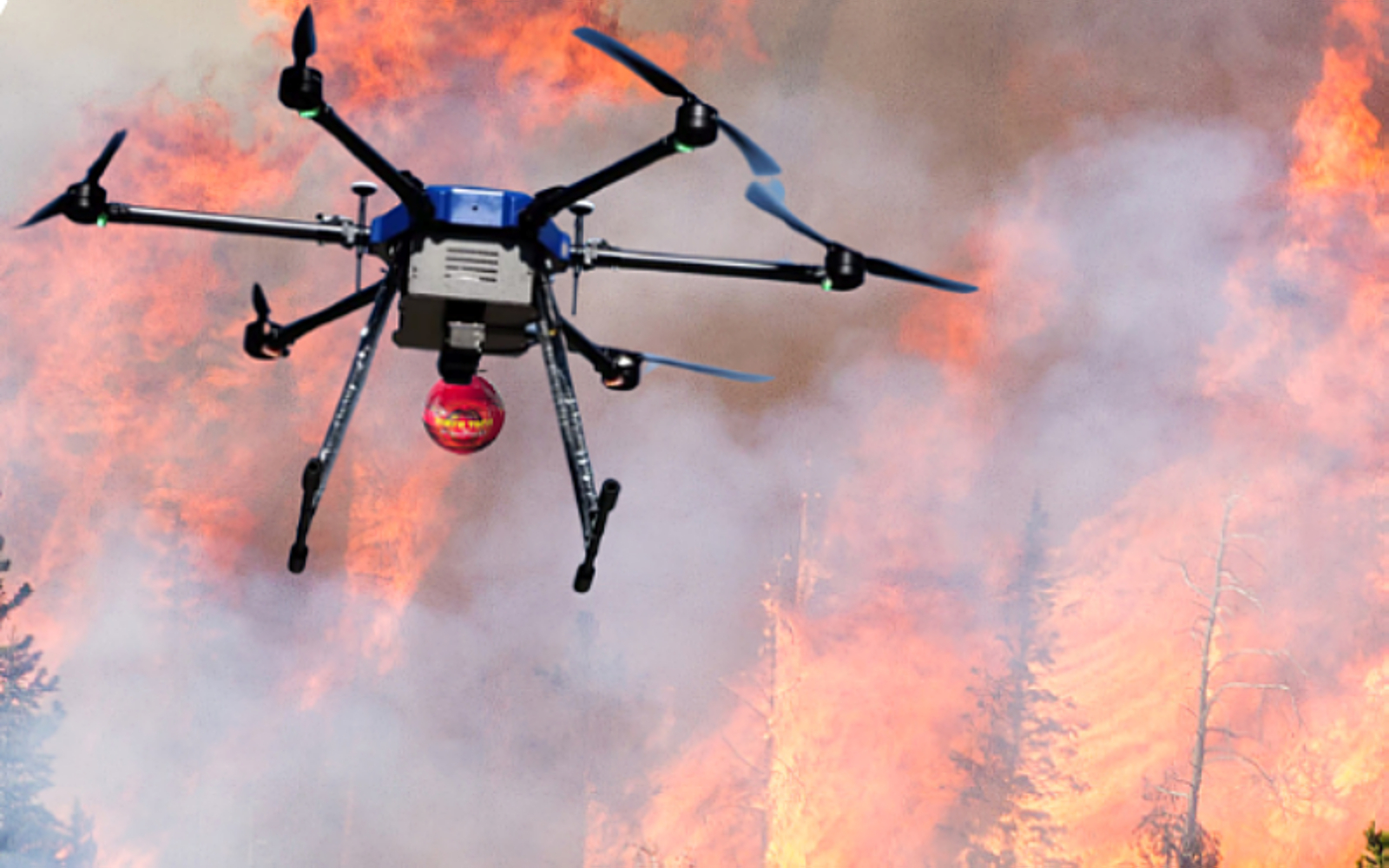

UFOUAV Integration
This guide includes UFOUAV-specific recommendations and compatibility notes.
1. Frame Design Fundamentals
1.1 Material Selection
- Carbon Fiber: Most common choice – lightweight, strong, rigid
- Aluminum: Less common, heavier but cheaper
- 3D Printed Parts: For prototypes or non-structural components
- Composite Materials: Advanced options for specialized applications
UFOUAV Material Recommendations
UFOUAV Preferred Materials:
- T700 3K Carbon Fiber: Used in UFOUAV professional frames
- 7075-T6 Aluminum: For high-stress components
- UFOUAV Proprietary Composite: Special blend for vibration damping
1.2 Size Specifications
- 5-inch Frames: Most popular for freestyle and racing
- 7-inch Frames: For long-range and cinematic flights
- 10-inch Frames: For heavy-duty, long-distance, and large-load flights
- 13-inch Frames: For industrial, heavy-lift, and extended endurance missions
- Custom Sizes: Based on specific requirements
1.3 Frame Types
- X-Type: Most common, balanced performance
- H-Type: More space for components
- Long-Arm Type: Better prop clearance
- Deadcat/Stretched-X: Reduced prop visibility in camera view
UFOUAV Frame Series
UFOUAV Frame Models:
- UFOUAV X-Series: Competition-grade X frames
- UFOUAV H-Series: Heavy-lift platforms
- UFOUAV Cinematic Series: Deadcat designs with vibration isolation
- UFOUAV Long-Range Series: Aerodynamic frames
2. Manufacturing Process Step-by-Step
2.1 Design Phase
- Define Purpose: Racing, freestyle, cinematic, long-range
- Select Components: Motors, ESCs, flight controller, camera
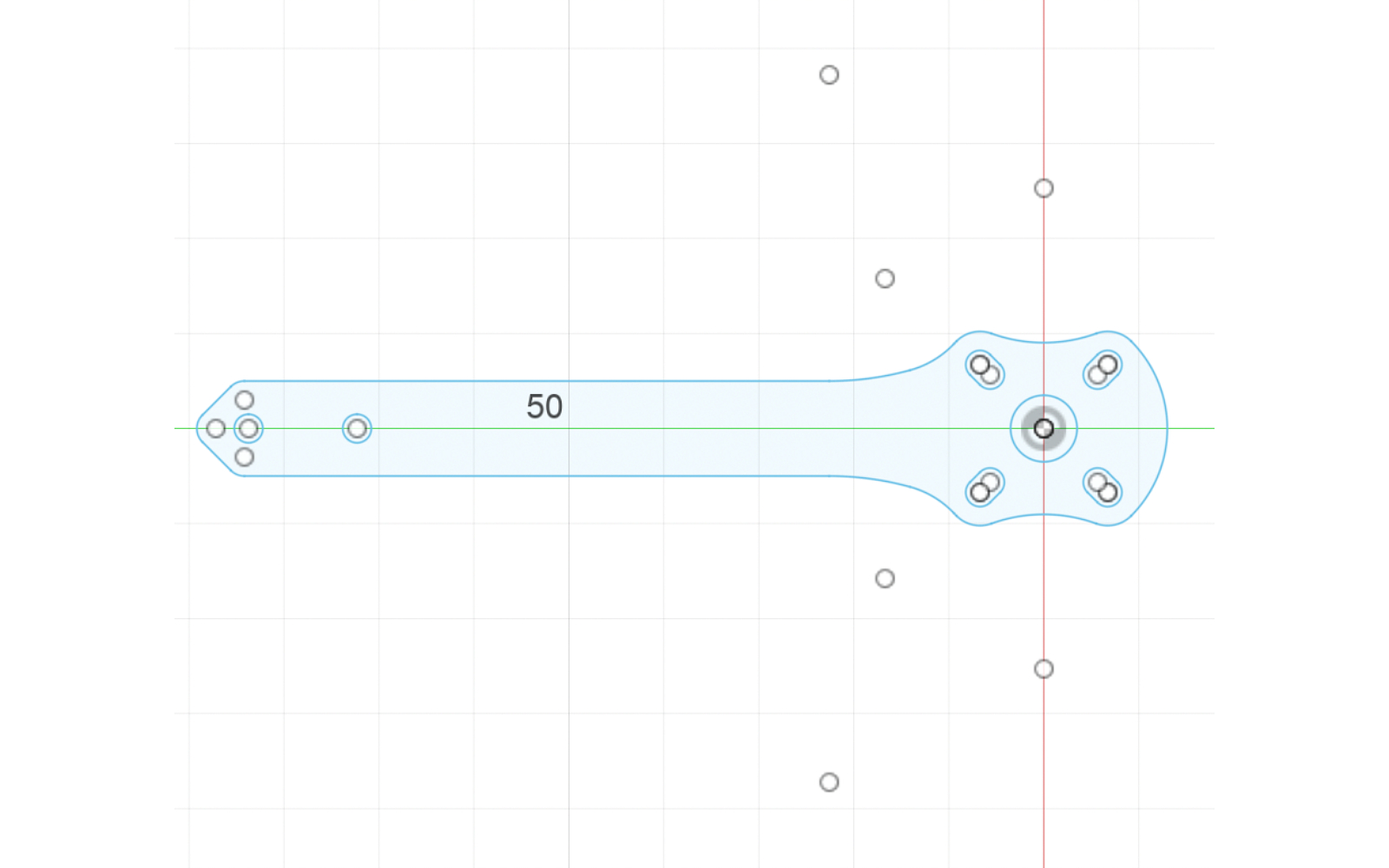
- CAD Design: Use Fusion 360, SolidWorks, or Onshape
- Stress Analysis: Ensure structural integrity
- Weight Optimization: Balance strength vs. weight
2.2 Material Preparation
- Carbon Fiber Plate: 2mm, 3mm, or 4mm thickness
- Hardware Kit: M2, M3 screws, nylon standoffs, rubber grommets
- Tools Required: CNC machine, laser cutter, drill press, sandpaper
- Safety Equipment: Dust mask, safety glasses, gloves
3. Assembly Guide
3.1 Component Layout
[Top Plate]
├── Flight Controller (center)
├── VTX Antenna (rear)
├── GPS Module (if applicable)
└── Battery Strap Mounts

[Bottom Plate]
├── Motors (4 corners)
├── ESCs (on arms)
├── Camera (front)
└── Landing Gear
UFOUAV Component Layout Features
- Integrated PDB: Built into frame design
- Modular Camera Mount: Quick-change system
- Antenna Management System: Dedicated channels
- Battery Tray System: Secure locking mechanism
3.2 Installation Sequence
- Mount Motors: Use thread locker on screws
- Install ESCs: Secure with double-sided tape or zip ties
- Place Flight Controller: Use rubber grommets for vibration isolation
- Attach Camera: Adjustable angle mechanism
- Wire Management: Neat routing with zip ties
- Antenna Placement: Away from carbon fiber for best signal
UFOUAV Installation Tips
- Motor Installation: M3 mounting pattern compatibility
- ESC Placement: Arm channels for 30x30mm ESC boards
- Camera Installation: Quick-release system with 0-60° adjustment
- Wiring Channels: Pre-routed channels for clean management
4. Safety Considerations
Important Safety Warning
Carbon fiber dust is extremely hazardous. Always use proper ventilation and personal protective equipment.
5. Testing and Tuning
5.1 Ground Tests
- Smoke Stopper Test: Prevent short circuits
- Motor Direction Check: Verify all motors spin correctly
- Radio Link Test: Ensure solid transmitter connection
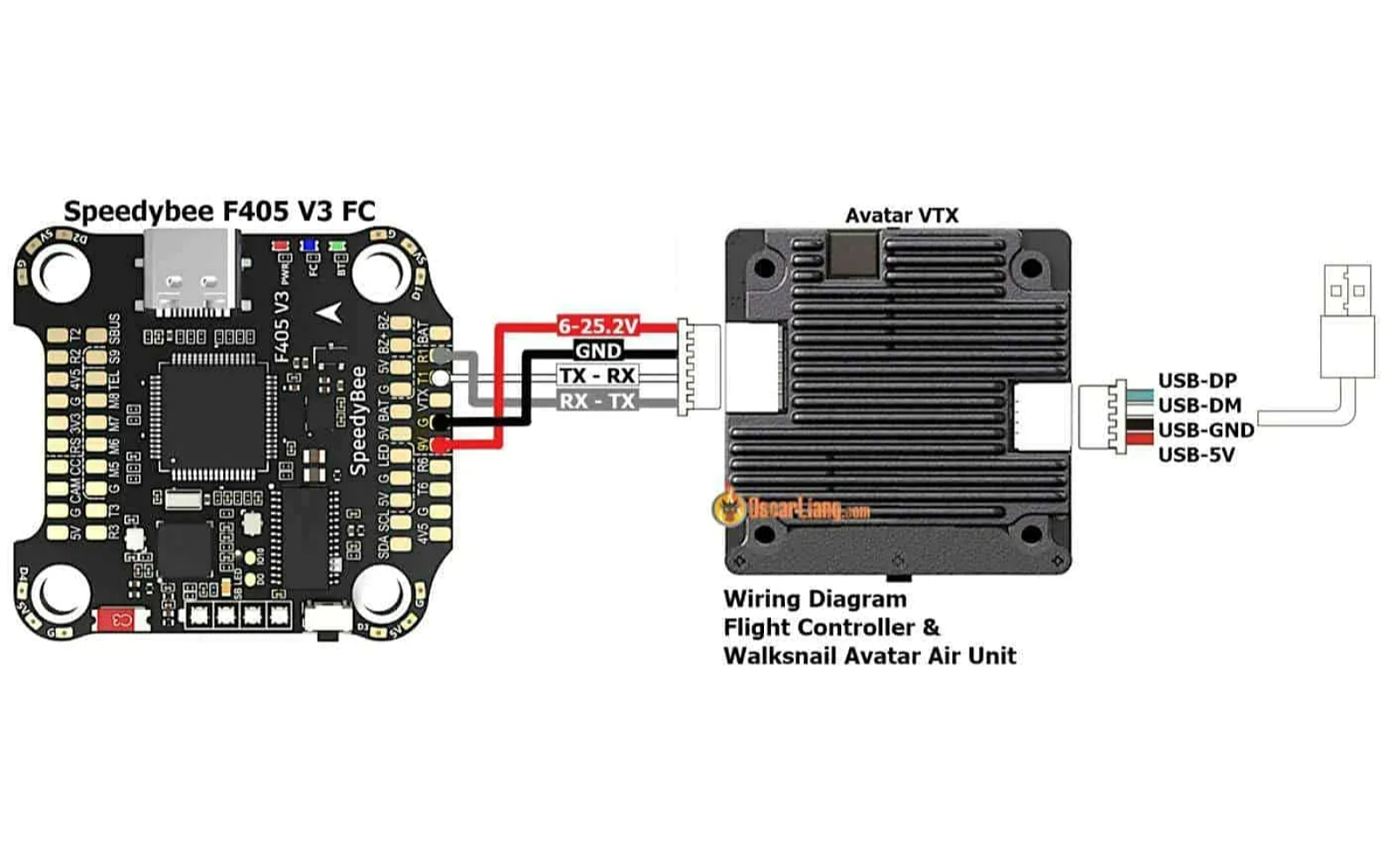
- Video Feed Test: Check FPV camera and VTX
6. Common Issues and Solutions
6.1 Vibration Problems
- Symptom: Jello effect in video, unstable flight
- Causes: Unbalanced props, loose components, motor issues
- Solutions: Balance props, tighten hardware, check motors
UFOUAV Integration Summary
This guide includes UFOUAV-specific information:
- UFOUAV material recommendations and frame standards
- UFOUAV frame series and design philosophy
- UFOUAV component layout features and installation tips